
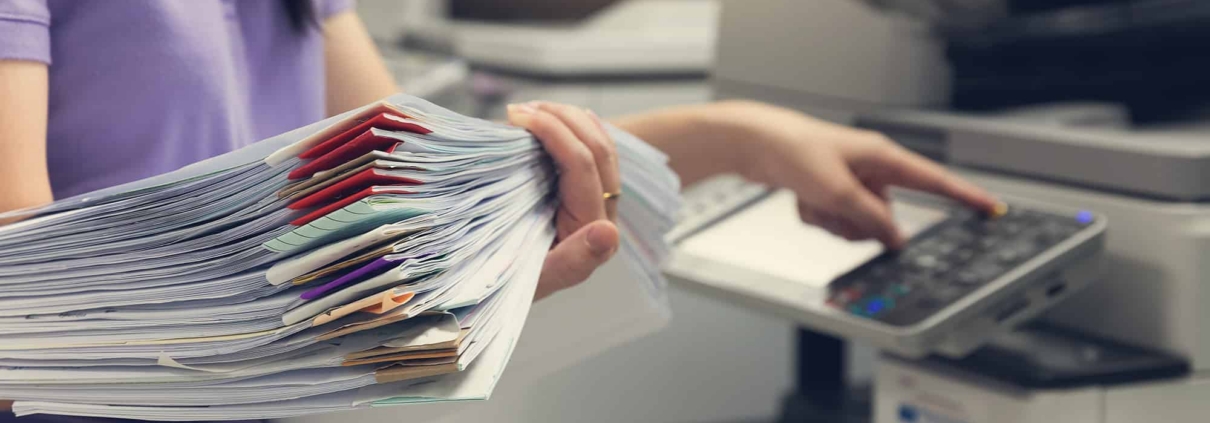
When you need to copy or print a document, your humble commercial copy machine is always there. Although they may not get the same amount of attention as other technology in your office, they are vitally important to your operations. While their main purpose is to print and copy, these machines can do far more than you realize. In this blog, we’re going to reveal the advantages of multifunction printers.
9 Things You Didn’t Know Commercial Copy Machines Can Do
It’s easy to forget that commercial copy machines are designed to be multi-purpose equipment. And as new advances in technology emerge, manufacturers have only continued to add new features to their commercial copy machines. Here are a few things you didn’t realize the latest generation of copiers can do:
Scan and Email
Your commercial copy machine has the ability to scan documents. That scanning function is mostly used for copying purposes, but that’s not this feature’s only use. In addition to copying and printing, the scanner can send the digital version of your document to you or a client’s email.
If you take a moment to investigate the control panel, there should be an option that allows you to enter your email address as a contact. There should also be an option that enables you to bind your email address to a shortcut button on the machine. With the shortcut button, you can send scans to yourself without having to type in your email address every time.
Scan and Create Searchable PDFs
Another surprising thing you may not have known your commercial copy machine can do is create searchable PDFs. Most copiers these days have what’s known as an optical character recognition (OCR) function. The OCR is what enables your equipment to read the words the scanner captured. Through this function, your copier can save the document digitally and turn it into a searchable PDF.
When a searchable PDF is made, it allows users to search for the document based on words within the document, rather than the title. As a result, documents become much easier for your employees to locate.
Staple and Hole Punch
Although commercial copy machines can already do quite a lot on their own, its uses can be extended with a document finisher. A document finisher is a module that connects to a copier, adding multiple time-saving capabilities. One such benefit of having a document finisher is turning your copier into a printer with a staple function.
If you have to keep your papers together, you can use your copier to staple or hole punch the documents. This process can even be automated to save you time. Not only is it easier to keep documents together this way, but it can also make them appear more professional.
USB/SD Card Printing
Most of the newer copier models have USB and/or SD card ports. If yours happens to have these ports, then that means you can insert a USB or SD card and print directly off it. You don’t even need a print driver on your laptop, as long as there is a document ready to print on the USB or SD card, you’re good to go.
Enlarge or Reduce
Sometimes you get things that aren’t quite the size you need them to be. Fortunately, your copier has the ability to enlarge or reduce document size. Say you have a photo that’s a little too small to fit in the frame you purchased. You can use your copier to upscale that image so you have something that can fit in that frame.
Duplex Printing
Paper waste is a real problem for most offices. If you want to save some trees while saving your company some money, start using the duplex printing feature on your commercial copy machine. Duplex printing is a feature that allows you to print two pages with one piece of paper. This works by printing one page on one side of the paper and printing the second page on the other side. This is a function that comes standard on all copiers.
Collate Pages
Have you ever printed out a bunch of documents and then had to manually sort through them so they’re in the right bundles when you hand them out? It’s an annoying, time-consuming process that can be solved by turning on the collate option. Collation slightly shifts each bundle of documents so you can easily see where one bundle ends and the next one begins.
Booklet Printing
Another benefit of using a document finisher is having the ability to quickly create booklets. By adding a saddle stitch finisher to your commercial copy machine, you can print documents that are folded in the center with two staples along the fold. This means you can print booklets quickly and easily in-house in your office without having to pay for outsourced printing.
Folding
Imagine printing out a large stack of papers and then having to manually fold each of them. If you’ve created documents that need to be folded, like brochures, this could be your reality. But it doesn’t have to be. Your document finisher can automate document folding, maintaining consistent quality in each fold. They can also be programmed to do a variety of different folds like horizontal and Z-shaped folds.
Get the Print Solutions Your Business Needs
Americom Imaging Systems is a leading managed print provider located in St. Louis, Missouri. We offer copier leasing and managed print services to make sure your business has the print solutions it needs. Let us help you get the most out of your commercial copy machine.
Contact us today to learn more.
